

Backlink Monitoring & Analysis
See every new and lost backlink to your WordPress URLs.
Backlink tools live outside WordPress and cost more than the whole SEO stack combined.
The workflow
How Backlink Monitoring & Analysis works, step by step
The same 4-step flow runs across every surface — the interface changes, the engine doesn't.
- 01Pulls backlink data from the built-in provider (or your Ahrefs / Majestic key if you prefer).
- 02New / lost link digest per URL, per week.
- 03Anchor-text distribution and toxic-link flags per page.
- 04Disavow file generator with one click.
Inside the WBP interface
Real product screenshots from the current release — click any image for full resolution.

Website Connection
Connect your WordPress site to the WBP cloud for cross-site sync, analytics, and licensing.
- connection
- account
- license
- setup
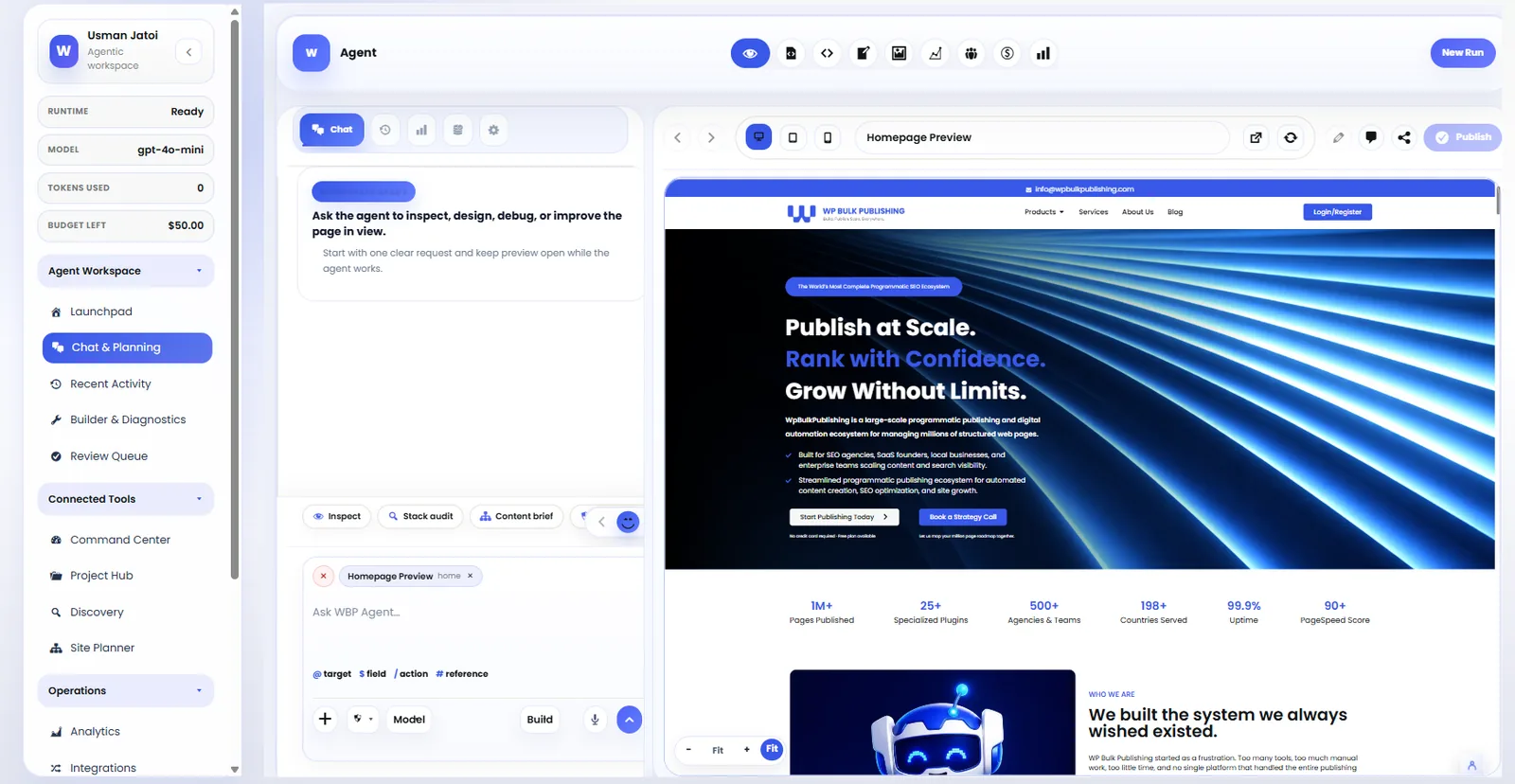
SEO Agent
The always-on SEO agent monitoring rankings, indexation, and content gaps in real time.
- ai
- agents
- seo
- automation
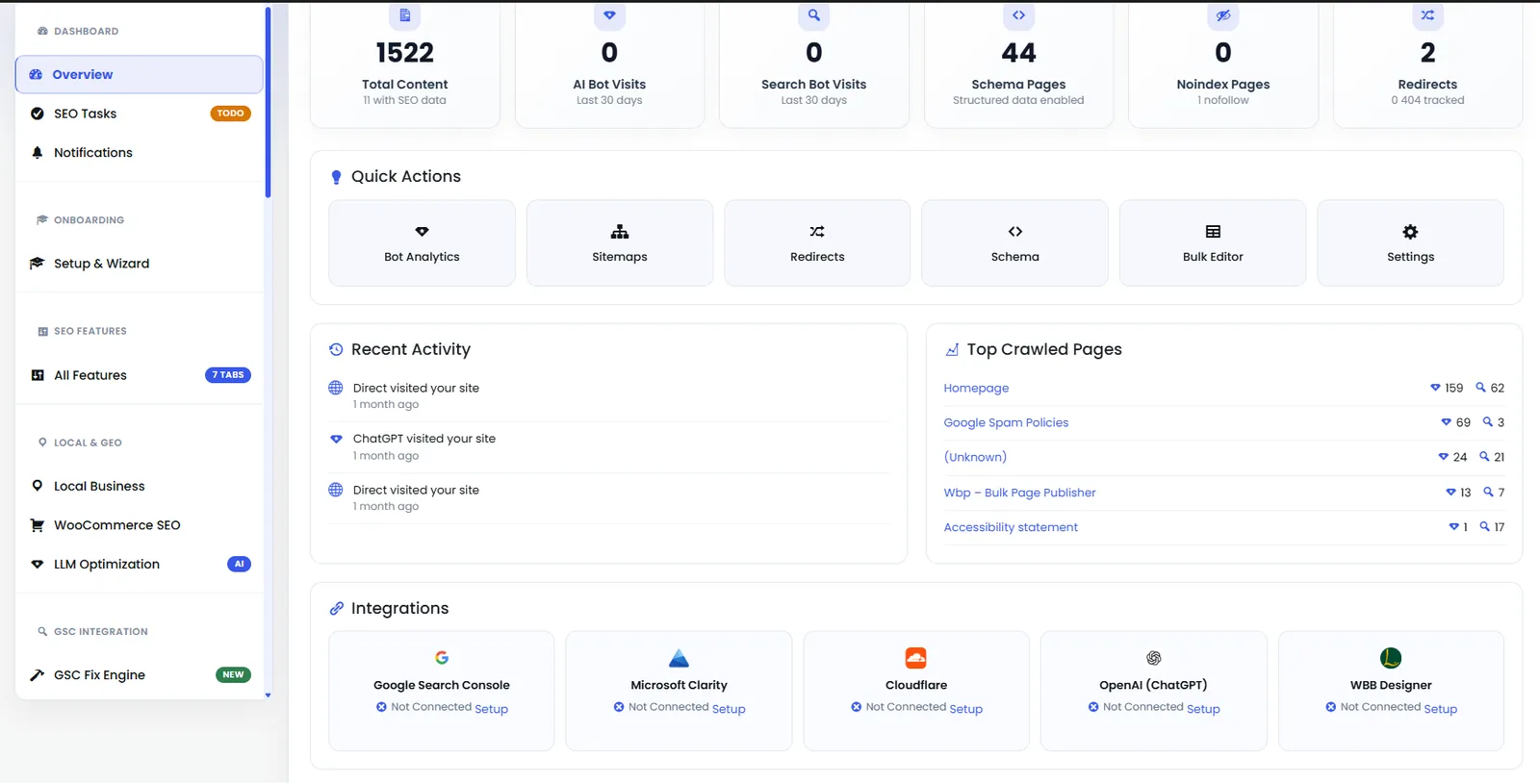
Dashboard — Analytics Panel
Second half of the dashboard showing keyword movement, indexation status, and Content AI credits.
- dashboard
- analytics
- overview
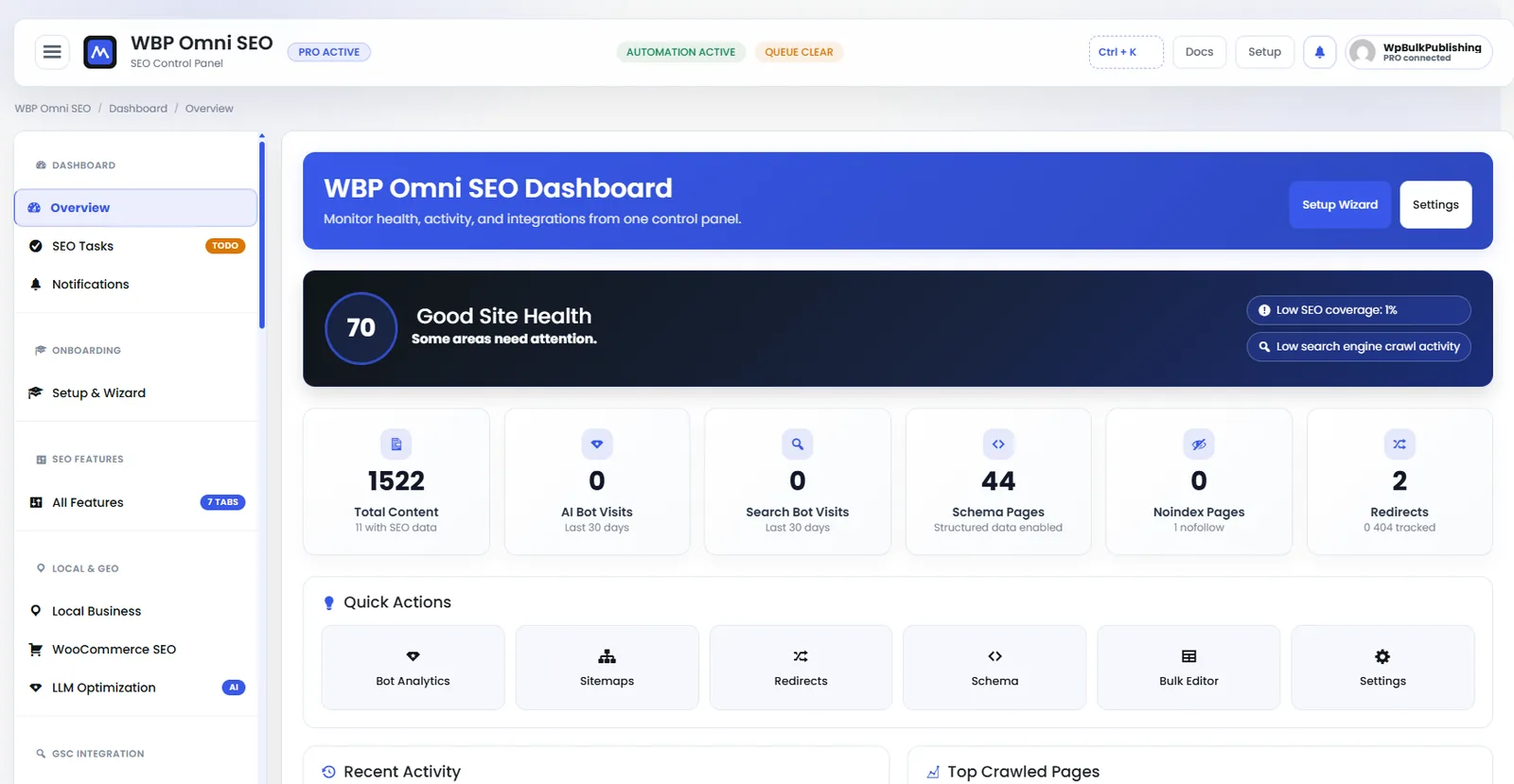
WBP Omni SEO Dashboard
Main WBP Omni SEO dashboard showing site health, SEO score, top pages, and quick actions.
- dashboard
- overview
- analytics
- ui
Outcomes
What changes after you turn this on
Backlink insight inside WordPress
Disavow prep without CSVs
Attributable to templates
SEO consultants
Ships with defaults tuned for this team from day one — no consultant required.
Agencies
Ships with defaults tuned for this team from day one — no consultant required.
Growth marketers
Ships with defaults tuned for this team from day one — no consultant required.
Pairs well with
Related features
Get Backlink Monitoring & Analysis plus every other capability — in one ecosystem.
One catalog covers plugins, tools, GPTs, MCP endpoints, apps and services. One team on the other end. One place to see what changed, when, and by whom.
