

Open Graph Preview Studio
See exactly how your post looks on Facebook, X, LinkedIn, Slack and iMessage before you publish.
Bad Open Graph cards kill share CTR. Debugging them post-publish means clearing caches at each platform.
The workflow
How Open Graph Preview Studio works, step by step
The same 4-step flow runs across every surface — the interface changes, the engine doesn't.
- 01Live preview across 8+ platforms in the sidebar.
- 02Twitter card debugger built in.
- 03One-click flush of Facebook + LinkedIn caches.
- 04Per-post OG overrides.
Inside the WBP interface
Real product screenshots from the current release — click any image for full resolution.

Post Editor — Social Media
Per-post OpenGraph and Twitter/X card editor with live preview.
- post-editor
- social
- open-graph
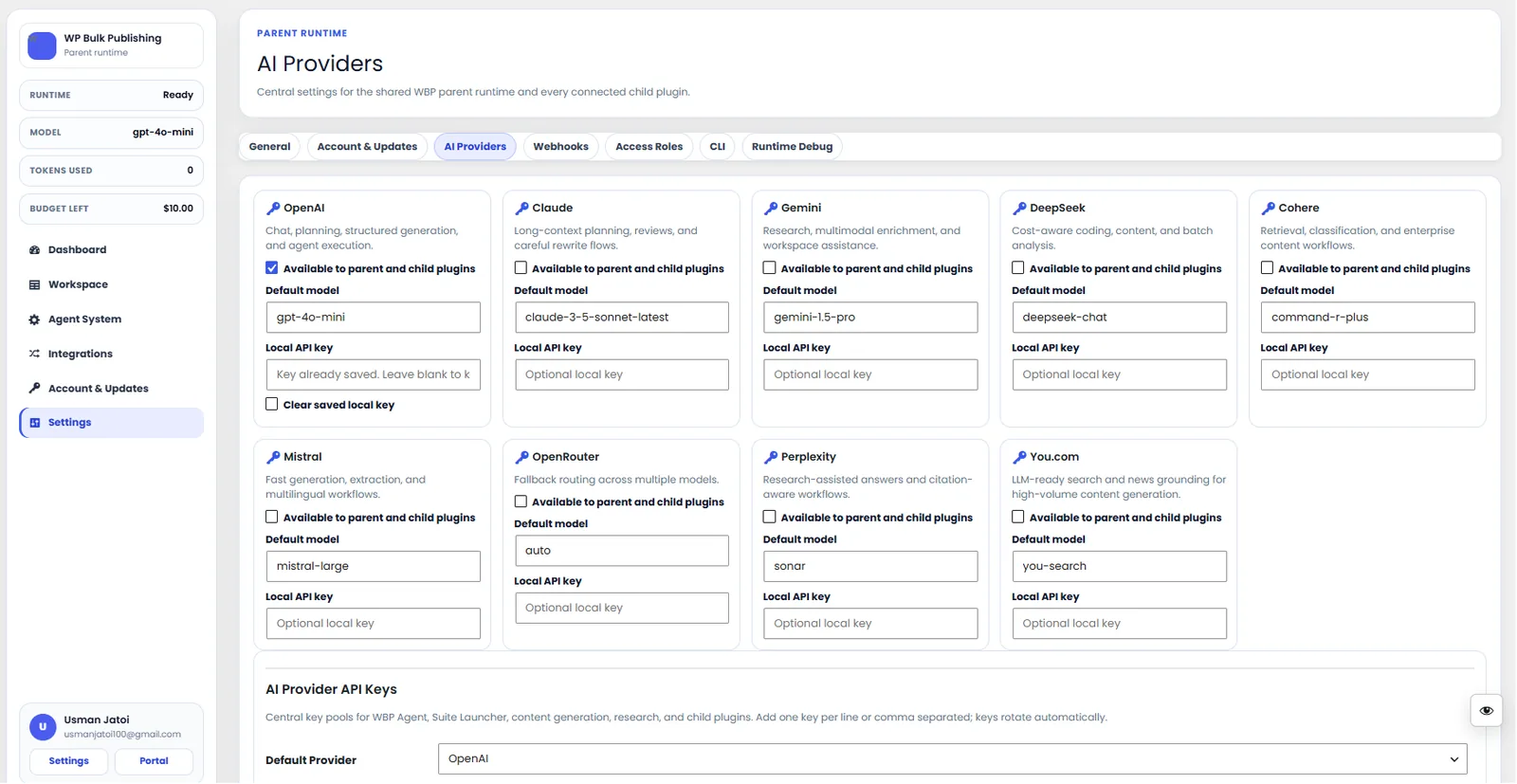
AI Providers
Configure AI providers — Lovable AI, OpenAI, Anthropic, Gemini — with model + budget controls.
- ai
- providers
- content-ai
- settings
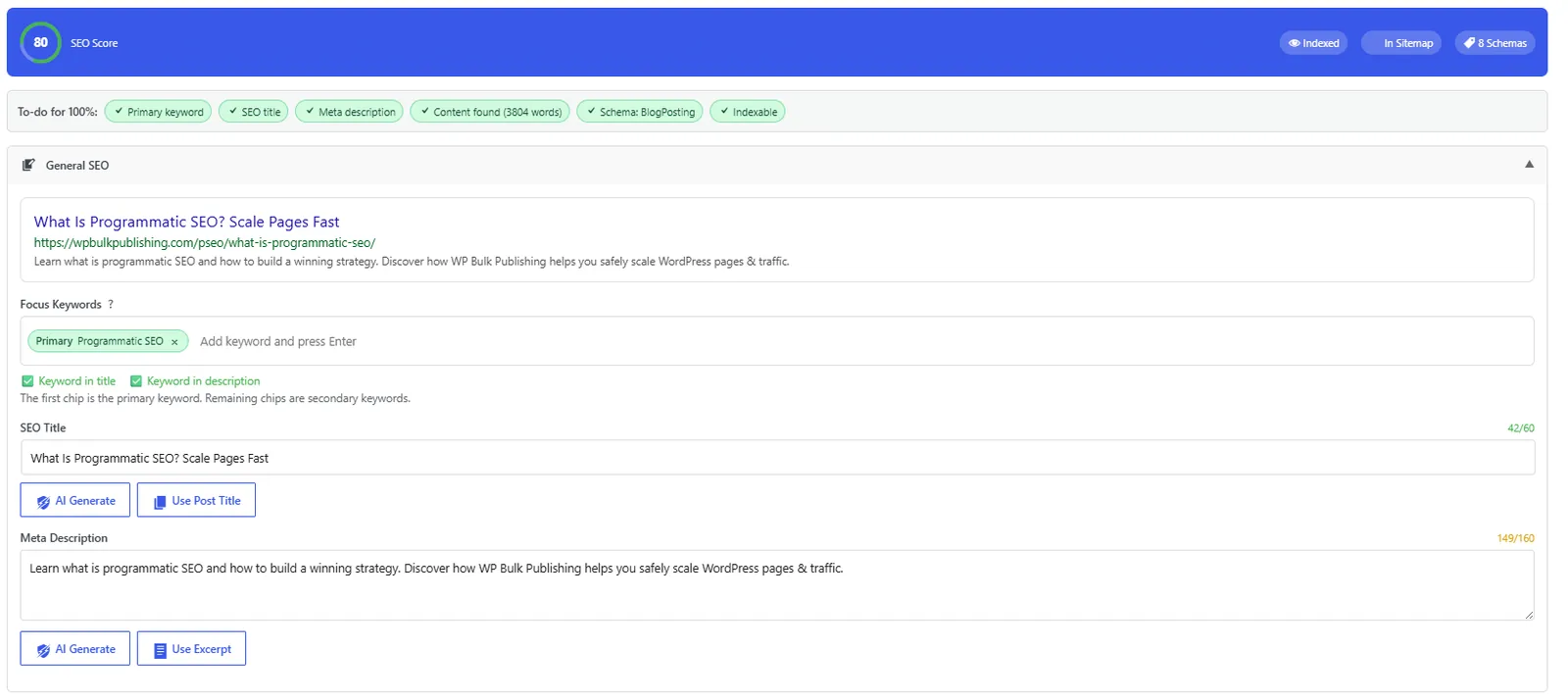
Post Editor — General SEO
General SEO block inside the Gutenberg/Classic editor: title, description, focus keyword, snippet preview.
- post-editor
- on-page
- meta
- snippet-preview

Post Editor — Schema Manager
Schema Manager inside the post editor: pick a type, edit fields, validate, and preview rich results.
- post-editor
- schema
- structured-data
- rich-results
Outcomes
What changes after you turn this on
Higher share CTR.
No post-publish surprises.
Faster cache warm-ups.
Publishers
Ships with defaults tuned for this team from day one — no consultant required.
SaaS with content marketing
Ships with defaults tuned for this team from day one — no consultant required.
Agencies
Ships with defaults tuned for this team from day one — no consultant required.
Get Open Graph Preview Studio plus every other capability — in one ecosystem.
One catalog covers plugins, tools, GPTs, MCP endpoints, apps and services. One team on the other end. One place to see what changed, when, and by whom.
