

Page Builder Integration
Detects your builder and enables the matching integration automatically.
Buying a separate SEO add-on per builder is expensive and fragile.
The workflow
How Page Builder Integration works, step by step
The same 5-step flow runs across every surface — the interface changes, the engine doesn't.
- 01Detects the active builder on plugin activation.
- 02Enables the matching integration automatically.
- 03Handles builder switches without losing SEO field data.
- 04Preview mode shows SEO score inside the builder canvas.
- 05Supports multiple builders on one site (rare but real).
Inside the WBP interface
Real product screenshots from the current release — click any image for full resolution.
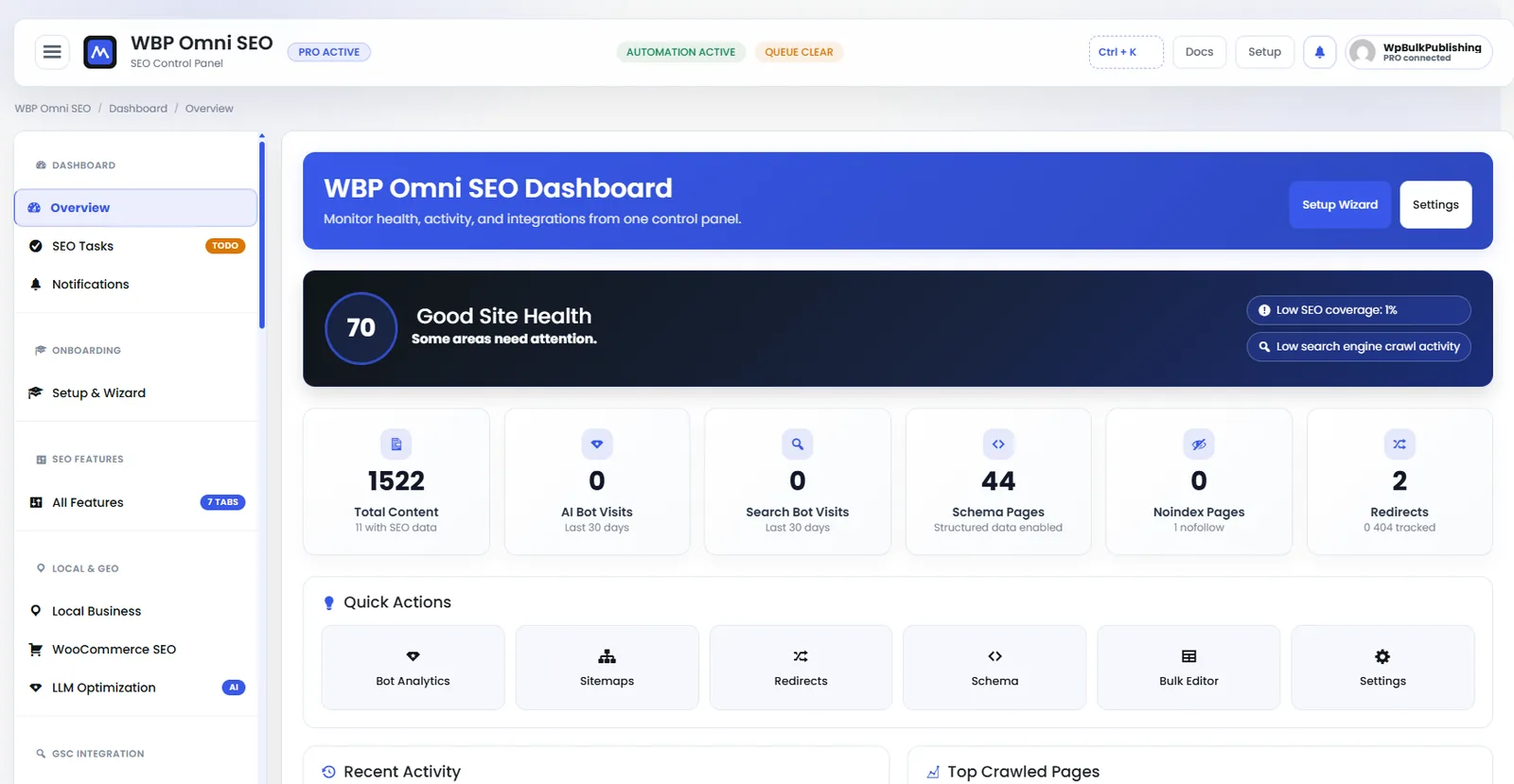
WBP Omni SEO Dashboard
Main WBP Omni SEO dashboard showing site health, SEO score, top pages, and quick actions.
- dashboard
- overview
- analytics
- ui
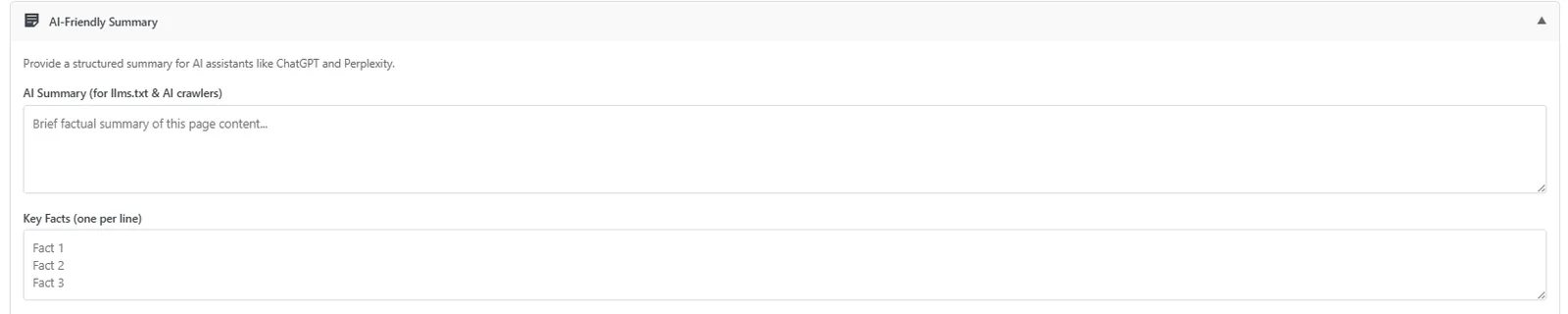
Post Editor — AI-Friendly Summary
Auto-generated AI-friendly summary block so LLMs cite your page correctly.
- post-editor
- ai-visibility
- ai-search
- llm
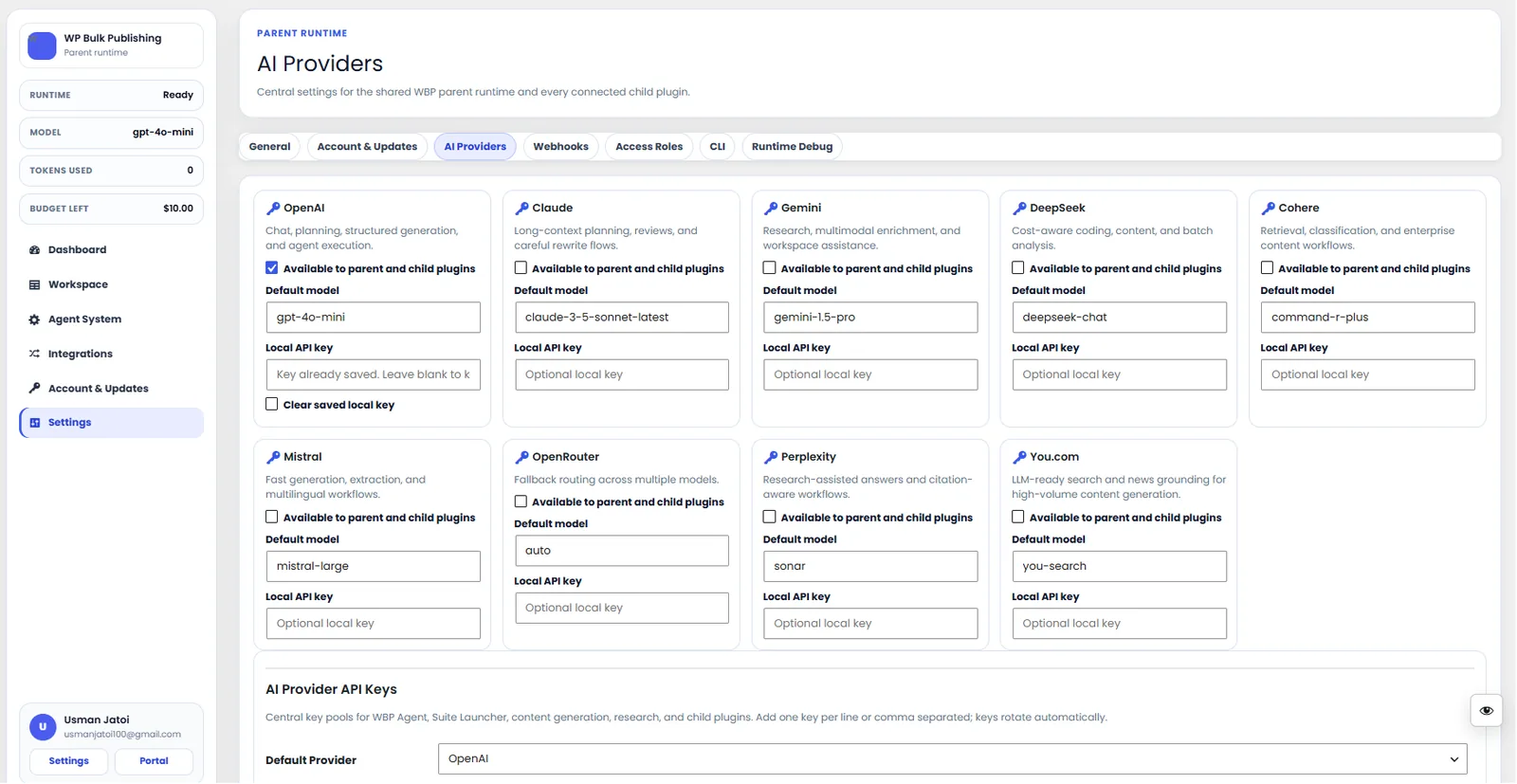
AI Providers
Configure AI providers — Lovable AI, OpenAI, Anthropic, Gemini — with model + budget controls.
- ai
- providers
- content-ai
- settings

Feature Set — Content Quality
All content-quality features: readability, focus keyword, heading distribution, uniqueness.
- features
- content
- content-quality
- on-page
Outcomes
What changes after you turn this on
One plugin, every builder.
Zero setup after activation.
Safe to swap builders.
Freelancers with a mixed client stack
Ships with defaults tuned for this team from day one — no consultant required.
Agencies
Ships with defaults tuned for this team from day one — no consultant required.
Multi-site networks
Ships with defaults tuned for this team from day one — no consultant required.
Pairs well with
Related features
Get Page Builder Integration plus every other capability — in one ecosystem.
One catalog covers plugins, tools, GPTs, MCP endpoints, apps and services. One team on the other end. One place to see what changed, when, and by whom.
