

XML Sitemaps
Smart, split, and always-fresh XML sitemaps for every content type.
Default WordPress sitemaps expose drafts, tags you don't want indexed, and 404s.
The workflow
How XML Sitemaps works, step by step
The same 4-step flow runs across every surface — the interface changes, the engine doesn't.
- 01One index sitemap plus per-type child sitemaps (posts, pages, products, images, video, news).
- 02Exclude by post type, taxonomy, or single URL — no code.
- 03Automatically pinged to Google, Bing, and IndexNow on publish.
- 04HTML sitemap shortcode for a human-readable version.
Inside the WBP interface
Real product screenshots from the current release — click any image for full resolution.
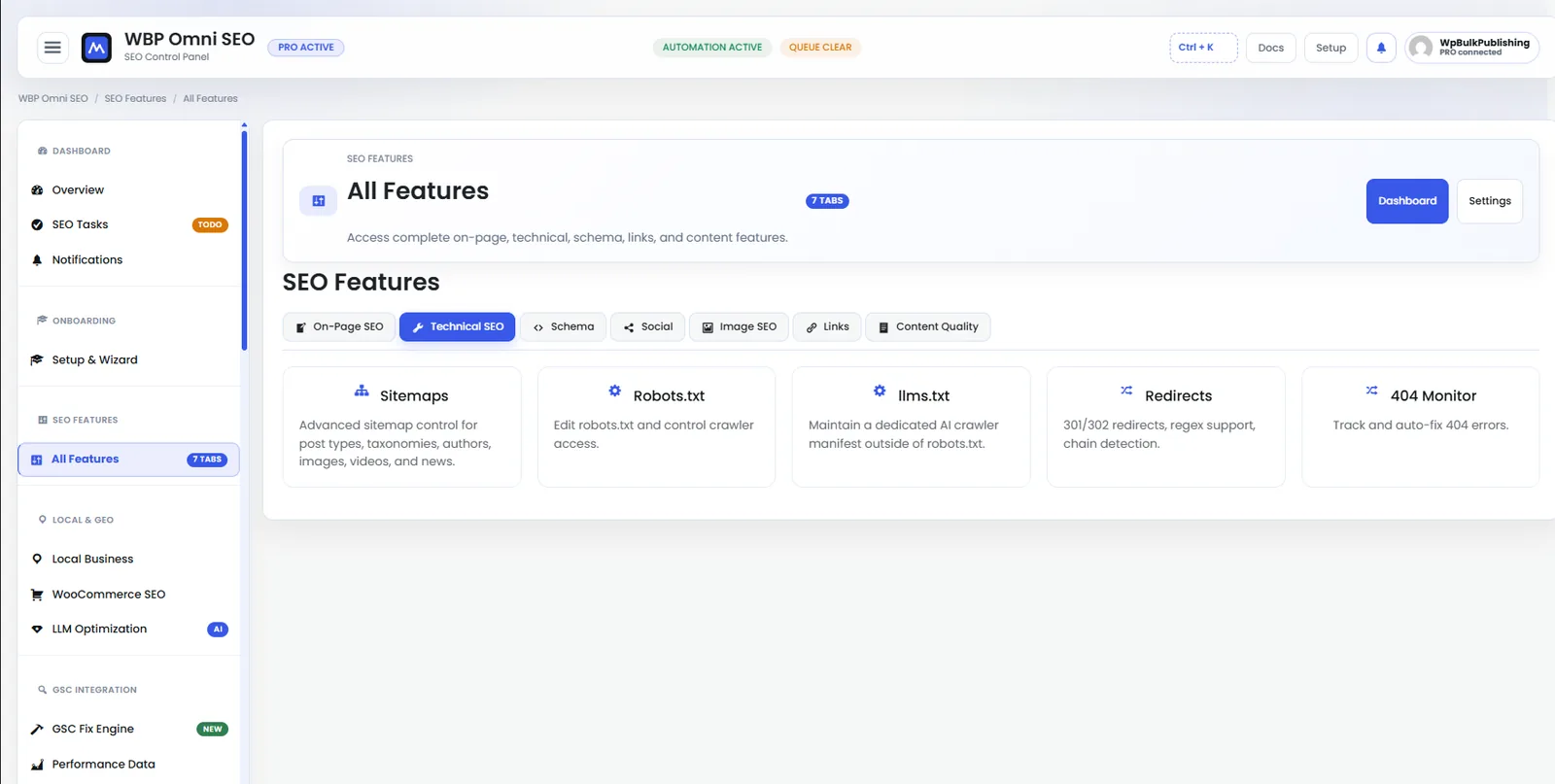
Feature Set — Technical SEO
Technical SEO controls: robots.txt, sitemaps, indexation, canonicals, hreflang.
- features
- technical-seo
- indexation
- sitemap
- robots
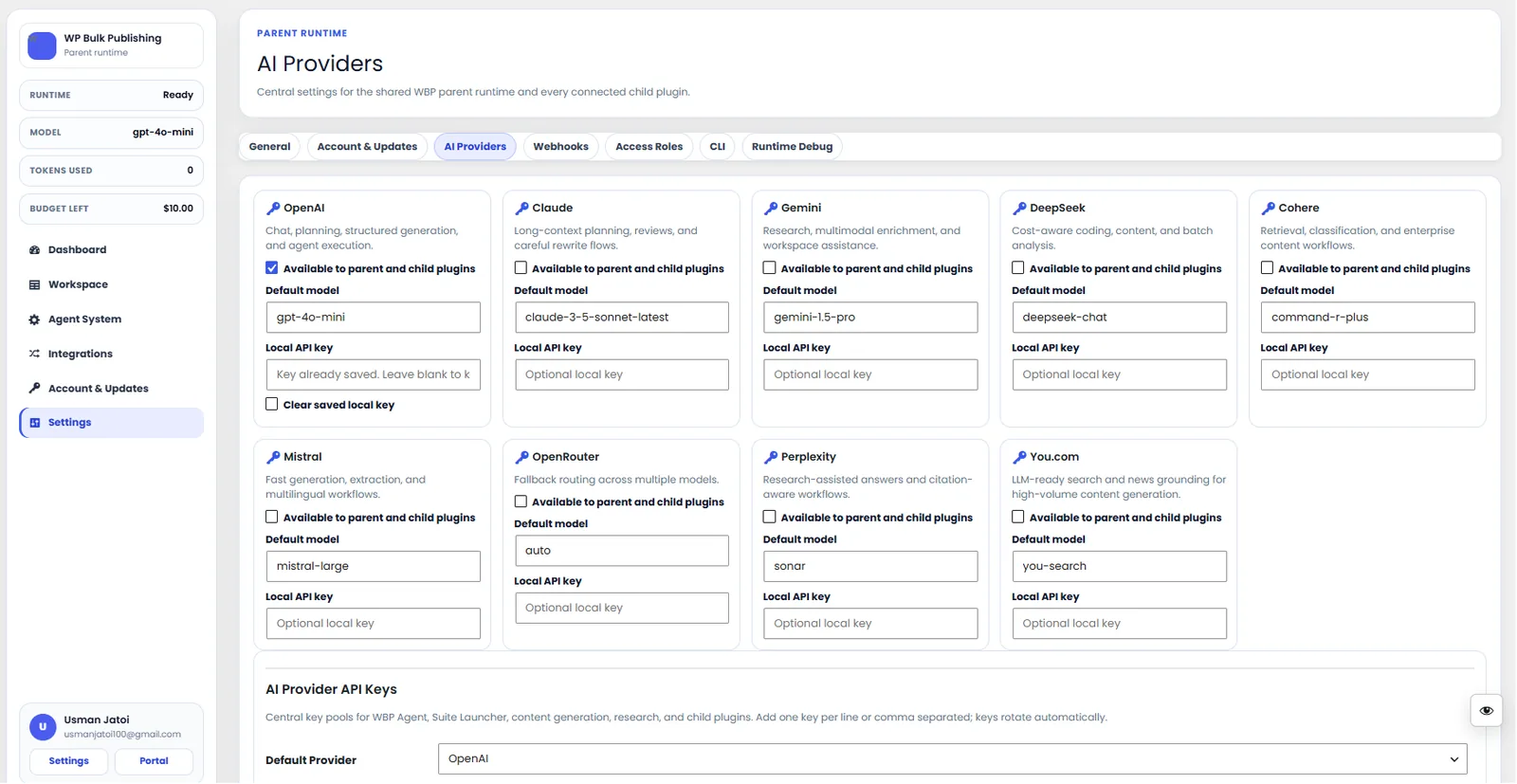
AI Providers
Configure AI providers — Lovable AI, OpenAI, Anthropic, Gemini — with model + budget controls.
- ai
- providers
- content-ai
- settings

General Settings
General settings screen: separators, permalinks, breadcrumbs, and image alt rules.
- settings
- configuration

Post Editor — Index & Sitemap
Per-post indexation, sitemap inclusion, and IndexNow ping controls.
- post-editor
- indexation
- sitemap
- indexnow
Outcomes
What changes after you turn this on
No junk URLs in the index
Faster discovery
One click to exclude
Any site over 100 URLs
Ships with defaults tuned for this team from day one — no consultant required.
Pairs well with
Related features
Smart XML Sitemaps
Segmented sitemaps by post type, taxonomy, and priority — auto-updated.
OpenGoogle News Sitemaps
Publisher-grade news sitemaps for Google News eligibility.
OpenInstant Indexing
Push new and updated URLs to Google and Bing the second you hit Publish.
OpenGet XML Sitemaps plus every other capability — in one ecosystem.
One catalog covers plugins, tools, GPTs, MCP endpoints, apps and services. One team on the other end. One place to see what changed, when, and by whom.
