

.htaccess & robots.txt Editor
Edit .htaccess and robots.txt safely from the WordPress admin.
SFTP is a footgun; one typo in .htaccess takes the whole site down.
The workflow
How .htaccess & robots.txt Editor works, step by step
The same 4-step flow runs across every surface — the interface changes, the engine doesn't.
- 01Syntax-aware editor with a linter and a backup on every save.
- 02One-click rollback to any previous version.
- 03Common recipes (force HTTPS, block bad bots, disallow /wp-admin/) available as templates.
- 04Preview robots.txt against the current sitemap to catch conflicts.
Inside the WBP interface
Real product screenshots from the current release — click any image for full resolution.
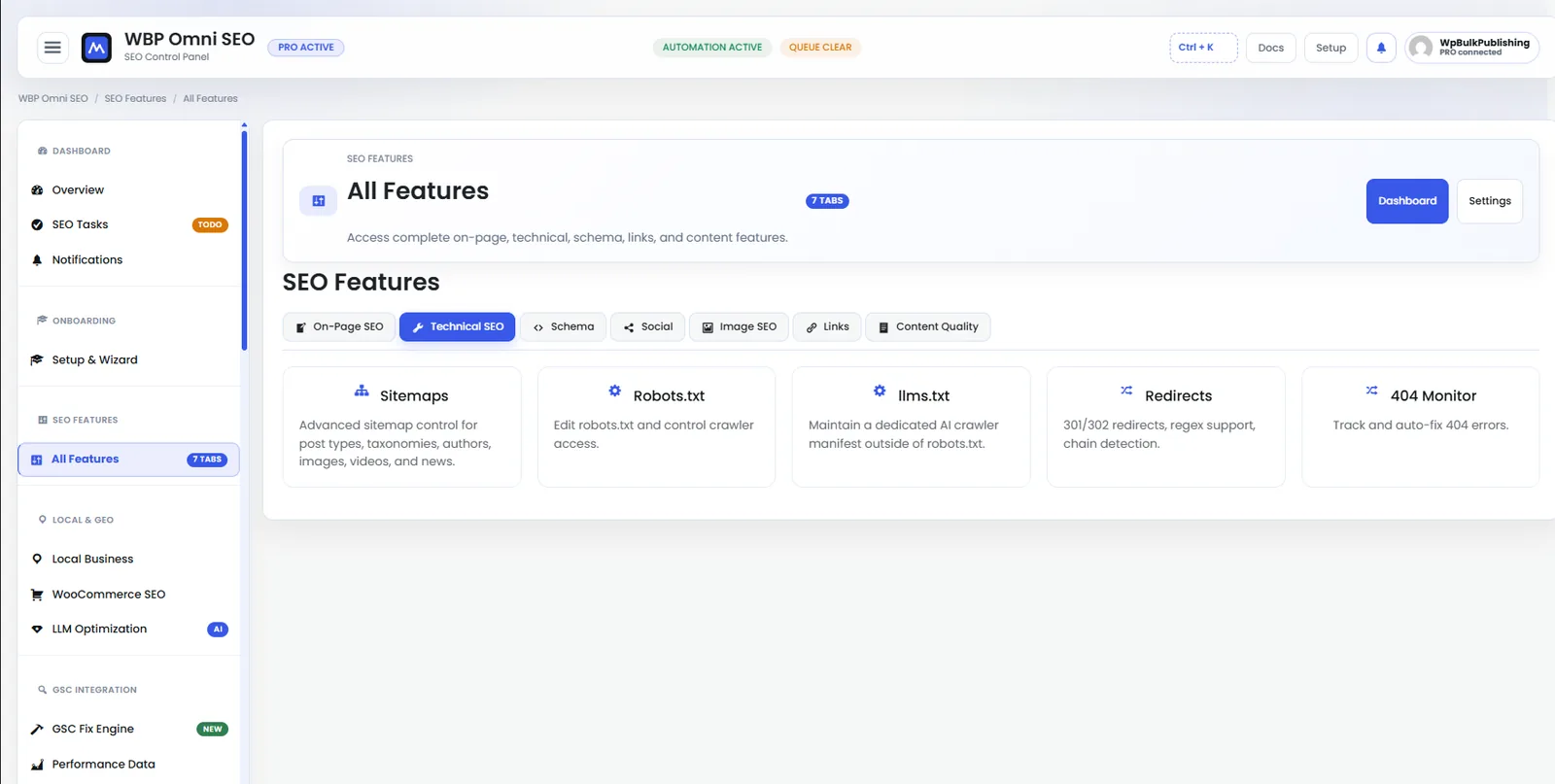
Feature Set — Technical SEO
Technical SEO controls: robots.txt, sitemaps, indexation, canonicals, hreflang.
- features
- technical-seo
- indexation
- sitemap
- robots

Post Editor — Advanced Controls
Advanced per-post controls: canonical URL, robots meta, primary category, and breadcrumb overrides.
- post-editor
- advanced
- canonical
- robots
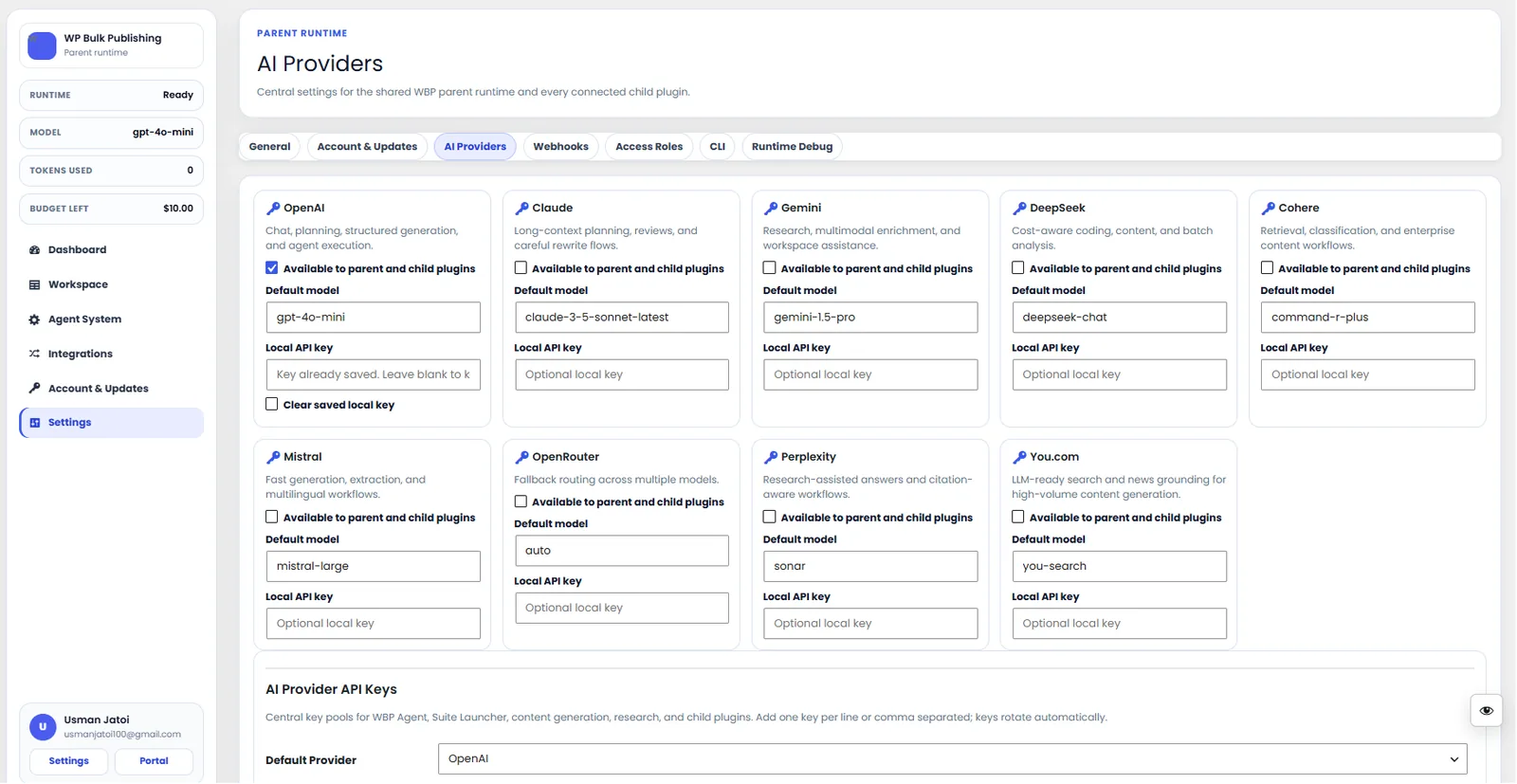
AI Providers
Configure AI providers — Lovable AI, OpenAI, Anthropic, Gemini — with model + budget controls.
- ai
- providers
- content-ai
- settings

General Settings
General settings screen: separators, permalinks, breadcrumbs, and image alt rules.
- settings
- configuration
Outcomes
What changes after you turn this on
No SFTP for common edits
Instant rollback
Zero-typo bad-bot blocks
Site owners
Ships with defaults tuned for this team from day one — no consultant required.
Agencies handling many small sites
Ships with defaults tuned for this team from day one — no consultant required.
Pairs well with
Related features
Get .htaccess & robots.txt Editor plus every other capability — in one ecosystem.
One catalog covers plugins, tools, GPTs, MCP endpoints, apps and services. One team on the other end. One place to see what changed, when, and by whom.
