

Google Suggest Keyword Ideas
Real-time suggestion mining right inside the editor.
Opening Google in another tab to steal suggestions is not a workflow.
The workflow
How Google Suggest Keyword Ideas works, step by step
The same 4-step flow runs across every surface — the interface changes, the engine doesn't.
- 01Type a seed keyword; the plugin returns Google Suggest, People Also Ask, and related searches.
- 02One-click add any suggestion as a heading, FAQ, or secondary keyword.
- 03Country and language filters match your target market.
- 04Results cached for the day to save quota.
Inside the WBP interface
Real product screenshots from the current release — click any image for full resolution.
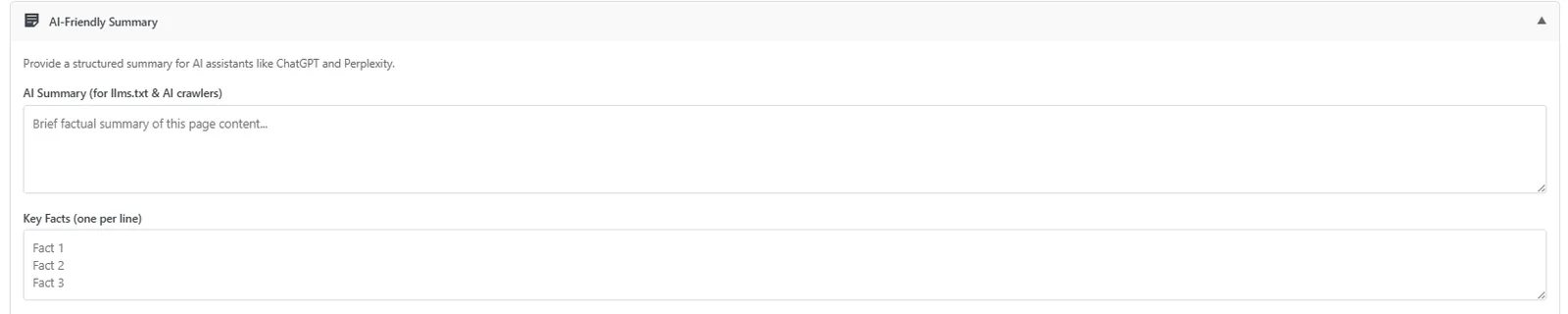
Post Editor — AI-Friendly Summary
Auto-generated AI-friendly summary block so LLMs cite your page correctly.
- post-editor
- ai-visibility
- ai-search
- llm
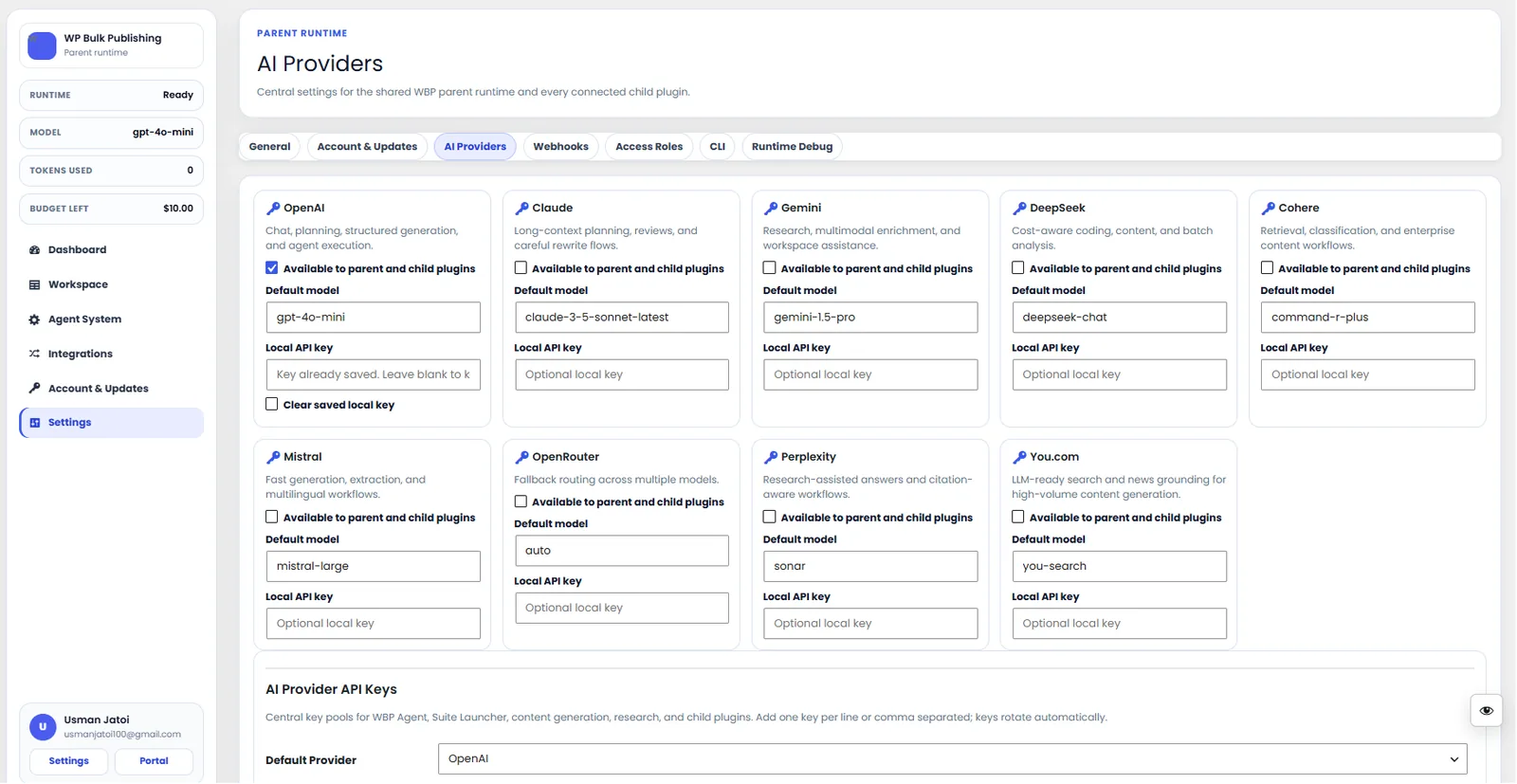
AI Providers
Configure AI providers — Lovable AI, OpenAI, Anthropic, Gemini — with model + budget controls.
- ai
- providers
- content-ai
- settings
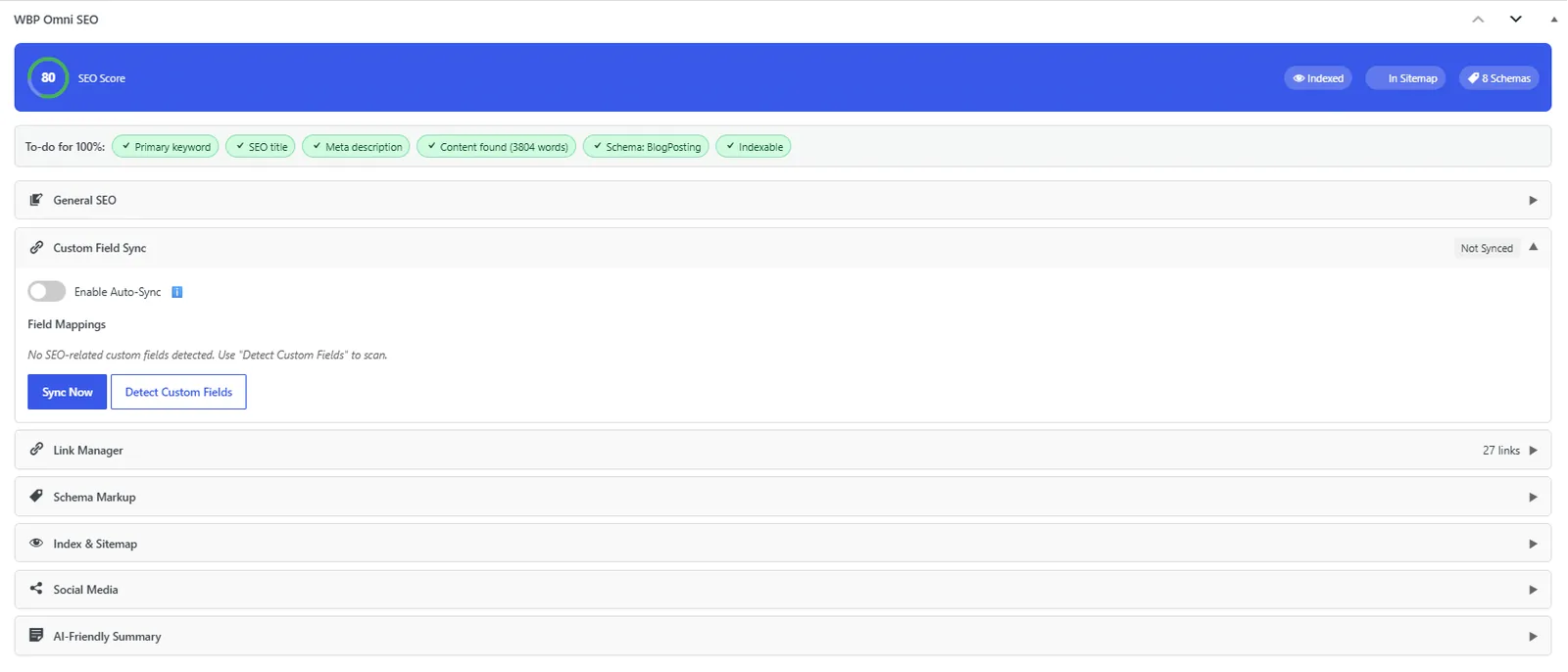
Post Editor — Custom Field Mapping
Custom-field mapping engine that migrates Yoast, Rank Math, AIOSEO, SEOPress metadata in one click.
- post-editor
- migration
- custom-fields
- yoast
- rank-math
- aioseo
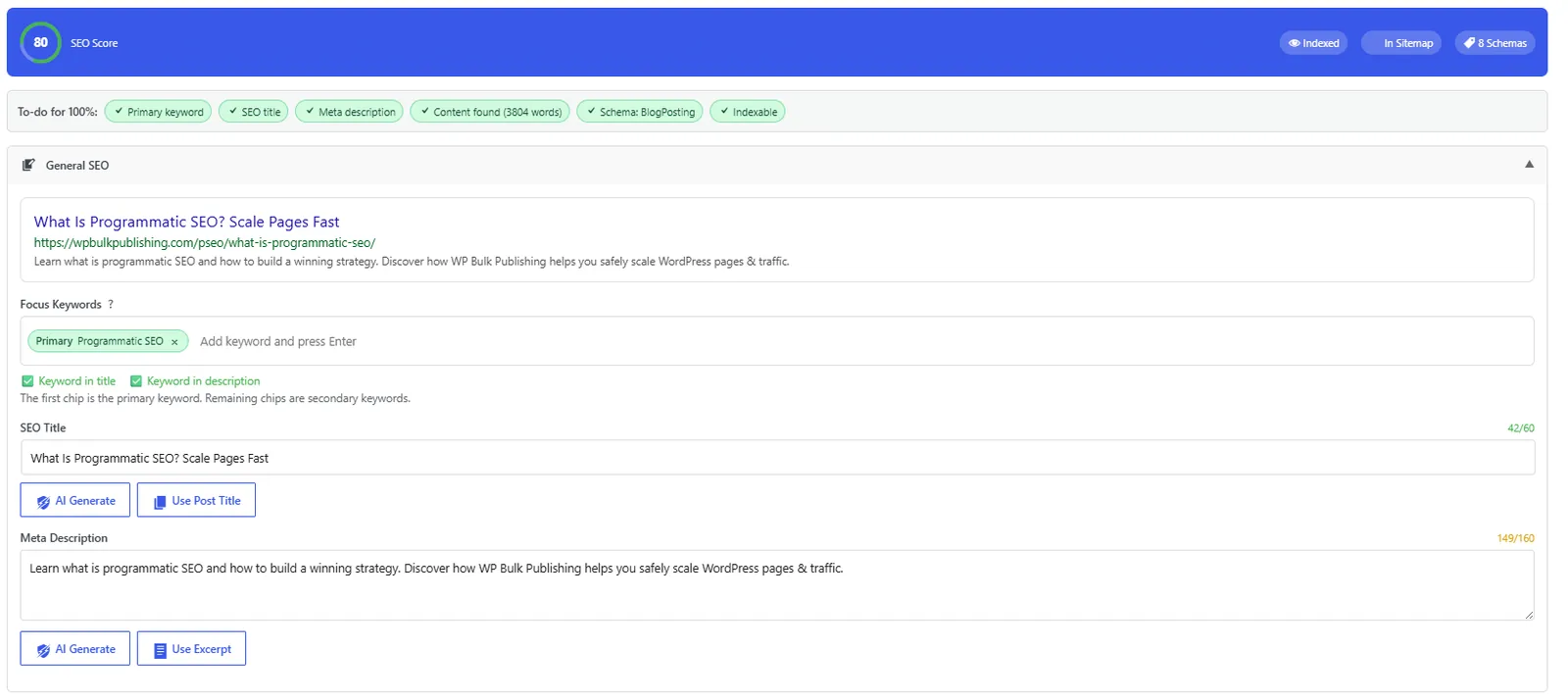
Post Editor — General SEO
General SEO block inside the Gutenberg/Classic editor: title, description, focus keyword, snippet preview.
- post-editor
- on-page
- meta
- snippet-preview
Outcomes
What changes after you turn this on
Faster outlines
Real search-driven headings
No tab-switching
Writers
Ships with defaults tuned for this team from day one — no consultant required.
SEO consultants
Ships with defaults tuned for this team from day one — no consultant required.
Pairs well with
Related features
Get Google Suggest Keyword Ideas plus every other capability — in one ecosystem.
One catalog covers plugins, tools, GPTs, MCP endpoints, apps and services. One team on the other end. One place to see what changed, when, and by whom.
